Cubey's Adventure
Live a full lifetime in just two hours. Start as a baby, grow into your prime, grow old, and return as a ghost. Improve your skills through use, shape the world for future generations, and choose your next life. Every life matters. Every choice leaves a legacy.
Disclaimer: This project is still a work in progress, and all showcased features, visuals, and systems are subject to change
- Developed a State Tree-driven enemy AI system to deliver dynamic, reactive enemy behavior
- Implemented networked username and color replication, enabling players to see consistent identities and personalized colors across all clients
- Created a dynamic player list, allowing players to easily view all current participants in the level
+ Contributions
State Tree Enemy AI
The Problem
Without reactive enemies, players can move through the world with little risk, which reduces tension and excitement. Encounters start to feel predictable instead of engaging. Over time, that makes exploration and combat less rewarding.
The Solution
This State Tree setup gives enemies clear combat behaviors and transitions, so they respond to the player in real time and maintain gameplay pressure. Enemies can shift between states like patrol, chase, and attack based on what the player does. This keeps encounters dynamic and makes moment-to-moment gameplay more engaging.
Demonstrations (Work In Progress)
+
Dog AI Behavior Showcase
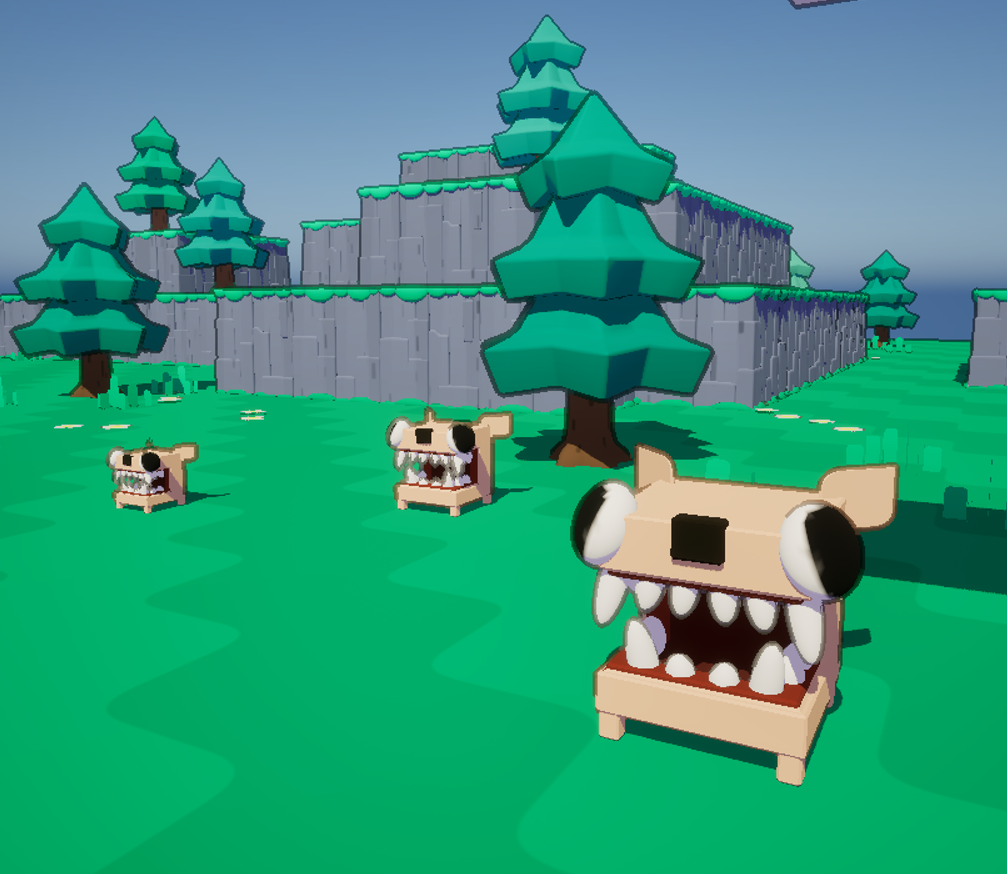
This video shows the enemy AI switching between patrol and aggressive behavior. Once the player is detected, the dog locks onto the target, chases, and changes attack behavior based on distance.
Enemy AI Snippet (Work In Progress)
+
When AI perception updates, the system checks whether the player was successfully sensed and stores that player as the current target. It then measures the distance between the AI and the target, and sets the attack state tag to Charged at close range or Basic at longer range.
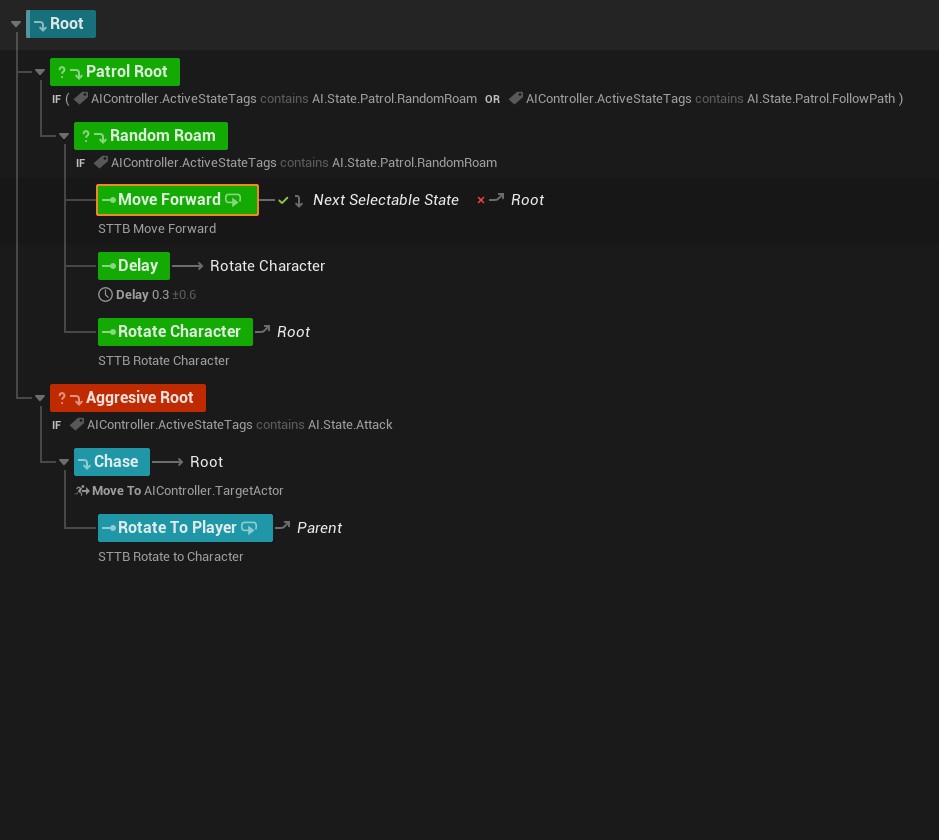
This State Tree has two main branches: Patrol and Aggressive. In Patrol, the AI random-roams by moving forward, delaying, and rotating before looping. When the AI.State.Attack tag is active, it switches to Aggressive, chases TargetActor, and rotates to face the player, then returns to reevaluate state transitions.
Replicated Player Usernames and Colors
The Problem
In multiplayer games, players need to identify each other quickly and clearly. Without proper synchronization, clients can display different usernames and colors for the same player, causing confusion, communication errors, and a less immersive experience.
The Solution
This system uses Unreal Engine's Rep Notify replication system to synchronize player identities and customizations across the network. When a player joins, their username and color are automatically sent to all clients, triggering a callback event that updates the UI in real-time. This ensures every player sees consistent identities and personalized colors throughout the entire match.
Demonstrations
+
Player Replicated Usernames
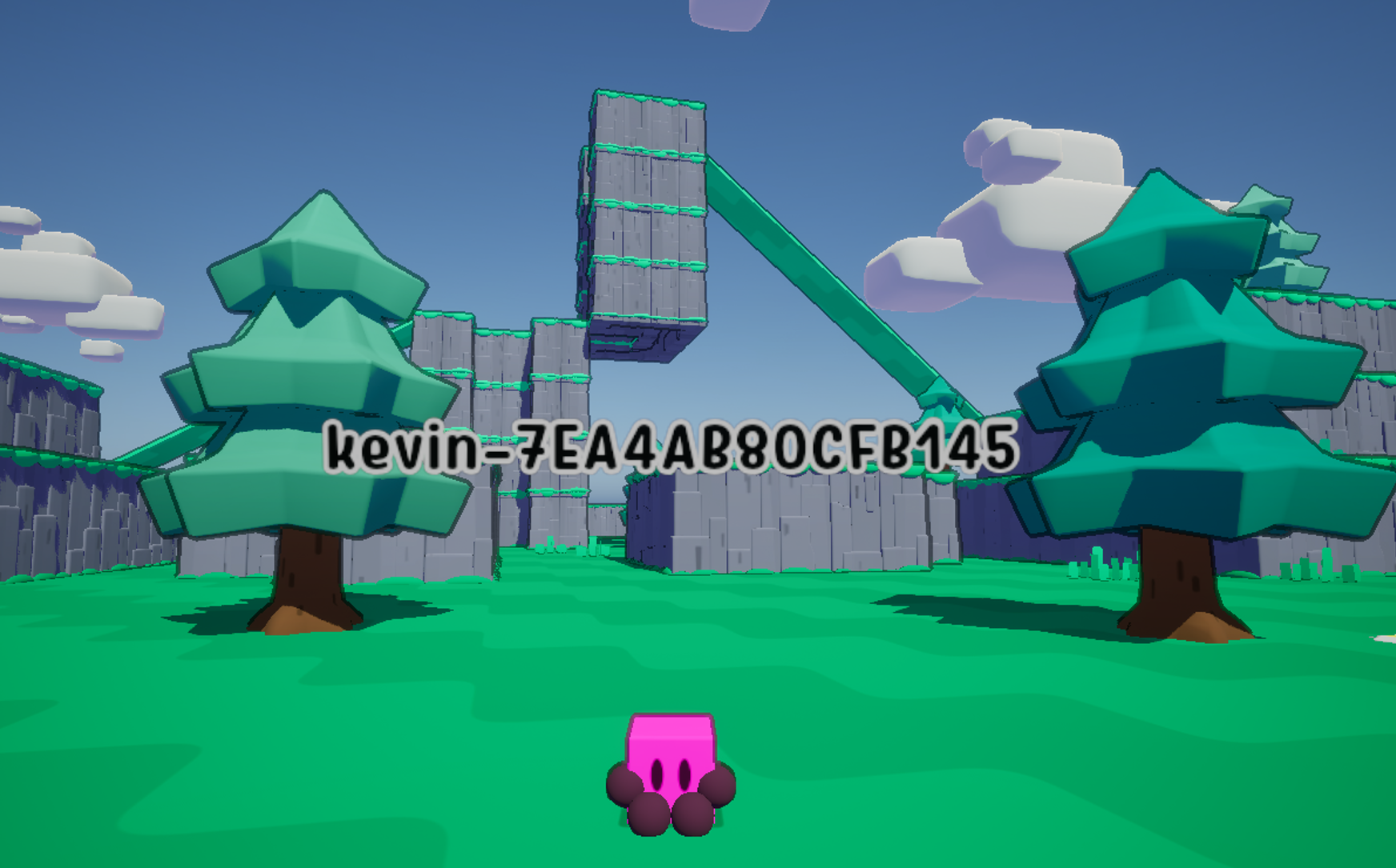
Player usernames sync in real time across every connected client. As each player joins, their name appears above their character for everyone in the session.
Player Replicated Colors
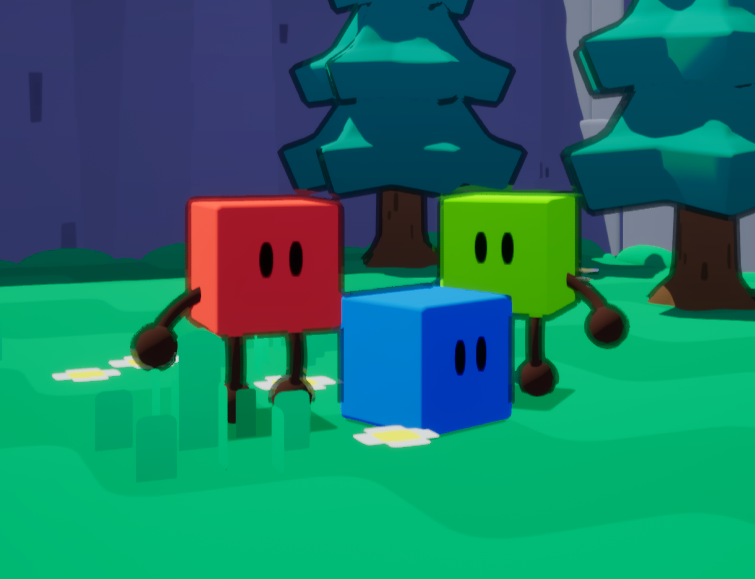
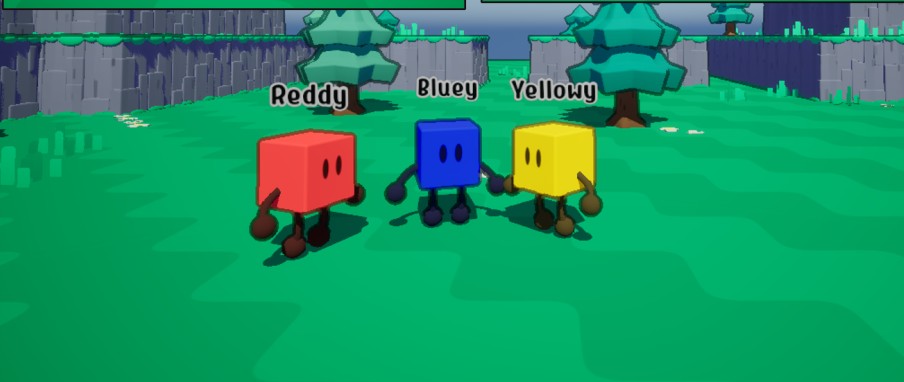
Each player's character color is replicated across all clients, allowing players to visually distinguish between different participants in the game world.
Player Username Code Snippet
+
On BeginPlay, the system retrieves the player's name and stores it in the "Custom Player Name" variable (marked as Rep Notify). This variable automatically replicates to all connected clients.
The "On Rep Custom Player Name" callback fires whenever the variable changes on any client. It retrieves the Player Username Tag Widget, validates it, and updates the text to display the replicated name in real-time.
Player Color Code Snippet
+
Similar to the username system, player colors are stored in a Rep Notify replicated variable. When the variable changes, a callback event triggers on all clients to update the character's material color in real-time, ensuring visual consistency across the network.
Dynamic Player List
The Problem
Multiplayer games require players to know who is currently in a match. Without a dynamic player list, join and leave events are not reflected reliably, which creates confusion about active players. Relying on manual refreshes or polling-based updates also adds unnecessary complexity and can become inefficient as sessions scale.
The Solution
The Dynamic Player List displays all current participants in real time and automatically updates whenever players join or leave, giving everyone a reliable live roster throughout the match.
Demonstrations
+
These videos demonstrate the player list functionality in action during competitive matches, showing how the scoreboard updates as the game progresses.
Dynamic Player List Code Snippet
+
The UpdateWidget function reads the Game State, clears the Player List Scroll Box, iterates through the Player Array, creates a list-item widget for each player, and repopulates the scroll box.
The On Rep All Player States event runs when the replicated player-state data changes. It finds all active player-list widgets and calls UpdateWidget on each one so every client sees a refreshed, synchronized roster.